|
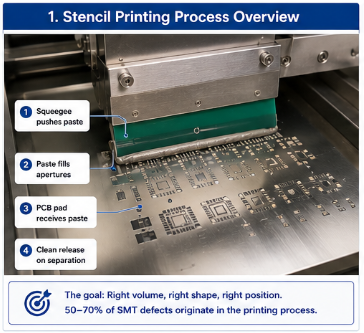
Introduction Before the pick-and-place machine places a single component, before the reflow oven melts a single solder joint, the stencil printer must do its job perfectly. The stencil printing process deposits solder paste onto PCB pads. If the print is wrong – too much paste, too little paste, misaligned, or smeared – no amount of placement accuracy or reflow optimization will fix it. Stencil printing is often called the "most critical" process in SMT, and for good reason: 50-70% of all SMT defects originate in the printing process. This article covers the key parameters of stencil printing: stencil design, squeegee selection, print speed, separation speed, under-clean frequency, and paste management on the stencil. Master these, and you eliminate the largest source of defects before they start. Keywords: stencil printing, solder paste printing, SMT stencil, squeegee, print process, paste deposition, stencil cleaning, aperture design. Why Stencil Printing Is Critical The stencil printing process deposits solder paste onto PCB pads. The paste must be:
If any of these conditions are not met, defects follow. Defects traced to printing:
Printing is the first process in the SMT line. Problems here propagate through placement and reflow, making root cause analysis difficult. Get printing right, and many downstream problems disappear.
Stencil Design Basics The stencil is a thin sheet of metal (typically stainless steel) with apertures (holes) cut where solder paste should be deposited. Stencil thickness:
Area ratio is the most important stencil design parameter. It is the aperture area divided by the aperture wall area. A higher area ratio means paste releases more easily.
Aperture shape:
Nano-coating: A coating applied to the bottom of the stencil to improve paste release. Particularly helpful for fine-pitch printing. Expect to pay more, but the defect reduction often justifies the cost. Squeegee Selection and Setup The squeegee pushes paste across the stencil, forcing it into the apertures. Metal squeegees:
Polyurethane (plastic) squeegees:
Squeegee parameters:
General guidelines:
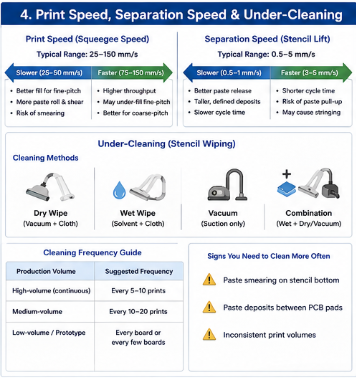
Print Speed Print speed affects how well paste fills apertures. Typical range: 25-150 mm/s (1-6 inches per second) Slower speeds (25-50 mm/s):
Faster speeds (75-150 mm/s):
Guideline: Use slower speeds for fine-pitch (0.4mm and below). Use faster speeds for coarse-pitch (0.5mm and above) where throughput matters. Separation Speed After printing, the stencil must separate from the PCB. This is a critical moment – the paste must release from the stencil and stay on the PCB pad. Typical separation speed: 0.5-5 mm/s Slower separation (0.5-1 mm/s):
Faster separation (3-5 mm/s):
Guideline: Use slower separation for fine-pitch and small components. Use faster separation for large components where paste volume is higher and release is easier. Zero-speed separation (stencil lifts vertically after a pause) is an option on some printers – excellent paste release but slower cycle time. Under-Cleaning (Stencil Wiping) As paste prints, it can accumulate on the bottom of the stencil (under-side contamination). This causes smearing and paste deposits where they don't belong. Cleaning methods:
Cleaning frequency:
Signs you need to clean more often:
Paste Management on the Stencil Solder paste on the stencil is a living material. It dries out, separates, and changes viscosity. Maintain a paste roll:
Stencil life (open time):
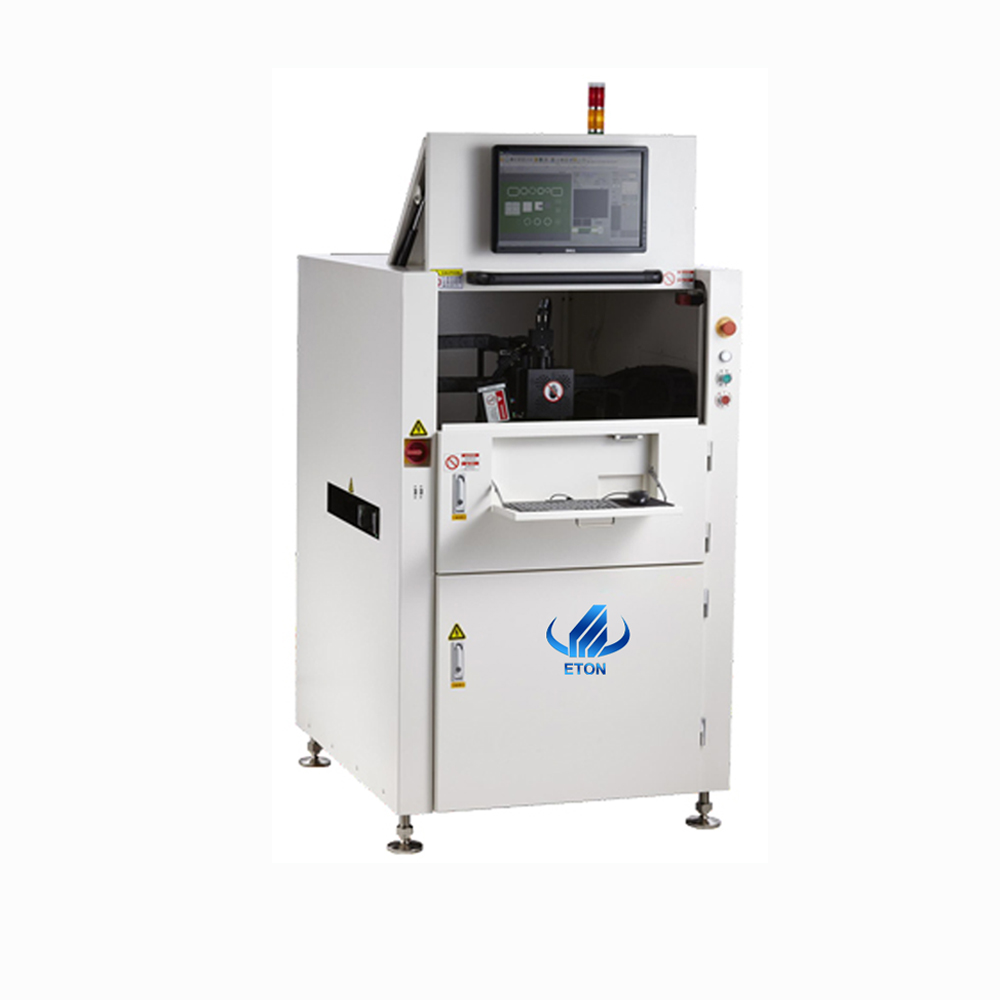
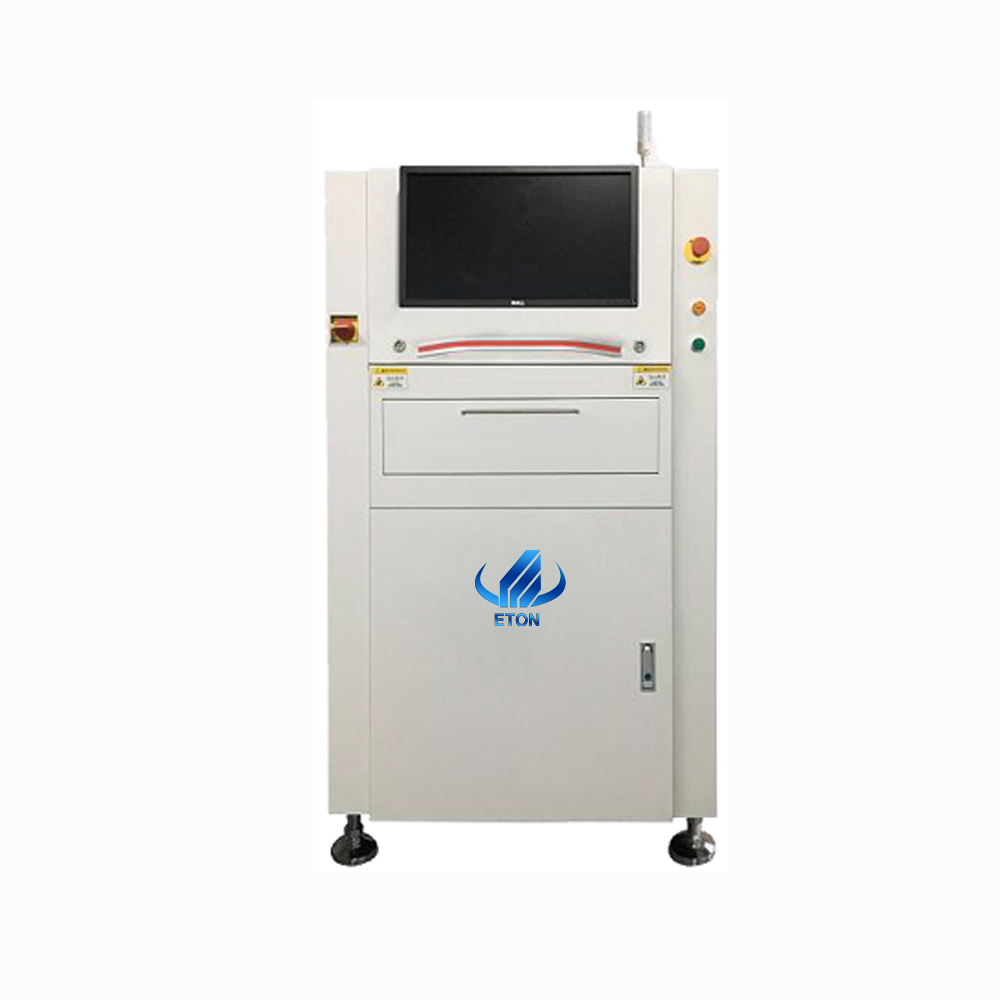
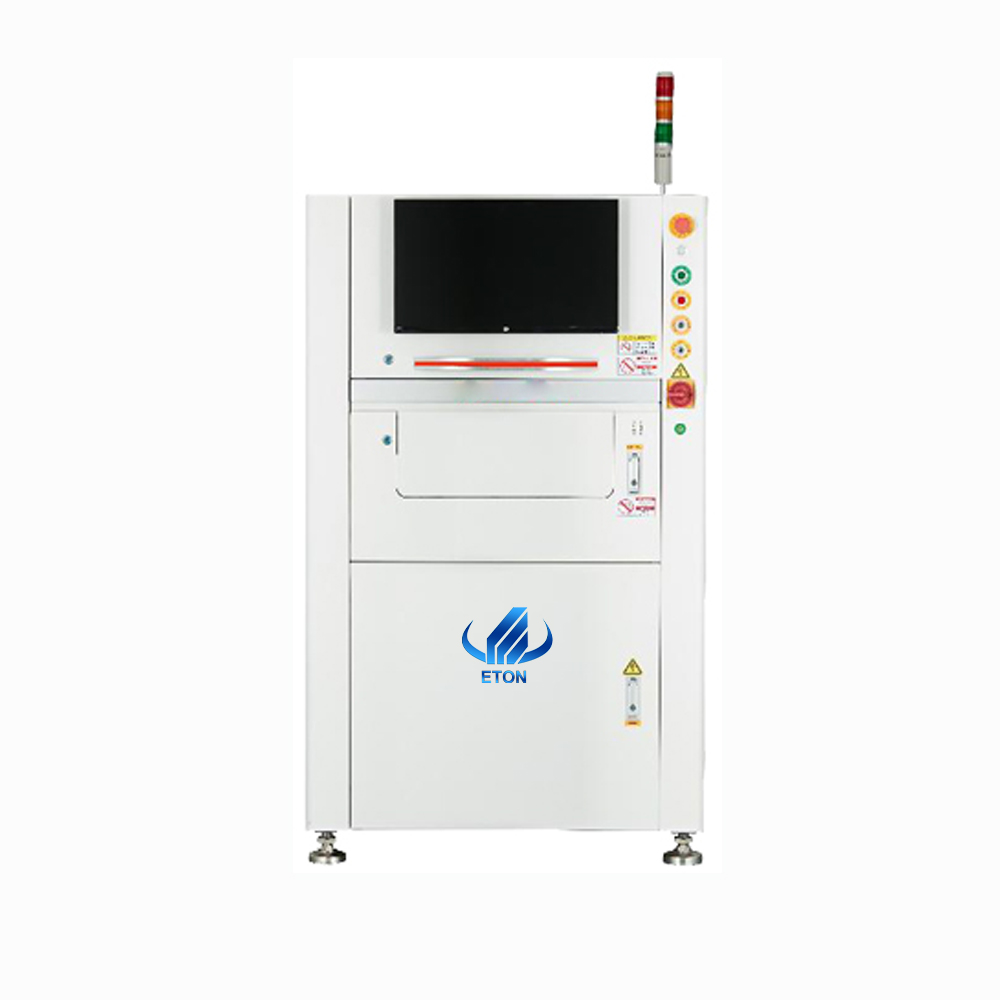
After stencil life expires, paste on the stencil should be removed, the stencil cleaned, and fresh paste loaded. Do not: Mix fresh paste with old paste on the stencil. The old paste has lost solvents and activators; mixing it contaminates the fresh paste. Print Inspection – SPI (Solder Paste Inspection) Automated Solder Paste Inspection (SPI) measures paste volume, height, and area on every pad. It is the most powerful tool for printing process control. What SPI measures:
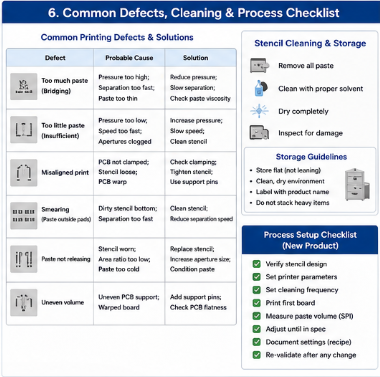
SPI feedback loop: Modern SPI systems can send correction data to the printer automatically – adjusting alignment, pressure, or cleaning frequency. This closed-loop control reduces defects significantly. If you don't have SPI, visual inspection of printed boards under magnification is better than nothing – but SPI is one of the highest-ROI investments in SMT. Common Printing Defects and Solutions
Stencil Cleaning and Storage A clean stencil prints better and lasts longer. After each use:
Stencil storage:
Stencil life: A well-maintained stencil can last for 10,000-50,000 prints. When apertures become worn (rounded edges), paste release degrades – replace the stencil.
Process Setup Checklist for a New Product
Conclusion Stencil printing is the most critical process in SMT assembly. 50-70% of all defects originate here. But the printing process is also highly controllable. By mastering stencil design, squeegee setup, print speed, separation speed, under-cleaning frequency, and paste management, you can eliminate the majority of defects before they reach placement or reflow. If you only have time to optimize one process on your SMT line, make it printing. Invest in a good stencil (laser-cut, nano-coated for fine-pitch). Use SPI if possible. Train your operators to recognize good prints. And document your settings for each product. The printing process is where SMT quality begins. Get it right, and everything that follows becomes much easier. |
Stencil Printing Process Control – Where SMT Quality Begins
21. maj 2026 ETON